Voice Control for Public Transit: What Actually Works
23rd Feb•8 min read
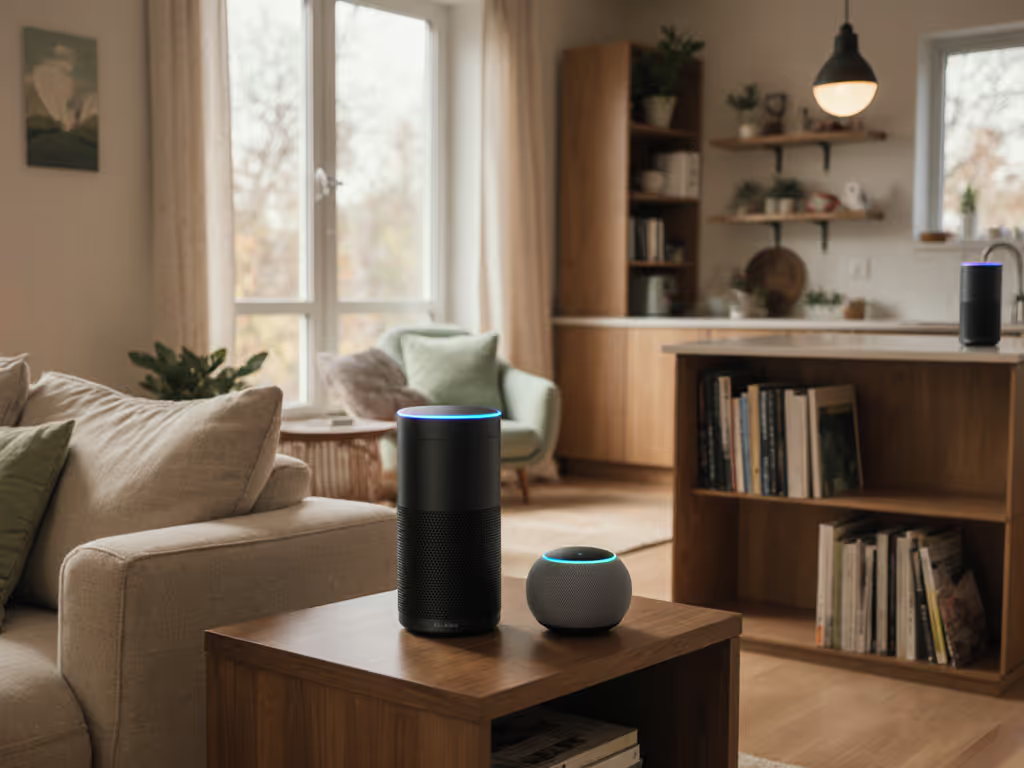
When designing a smart home for anyone with cognitive disabilities (whether early-stage memory loss, developmental disabilities, or acquired brain injury), the stakes of choosing the right smart speaker cognitive accessibility features shift dramatically. You're not just optimizing for convenience; you're architecting systems that preserve autonomy, reduce confusion, and fail gracefully when something breaks. The problem is that most smart speakers treat accessibility as an afterthought, bolting on features rather than building reliability into the foundation.
This article compares how major platforms approach voice assistants for cognitive disabilities, examines the failure-domain thinking behind each design, and helps you identify which features matter most for your situation. Like most bridging challenges in home automation, the answer isn't about picking the "best" device, it's about standardizing on repeatable configurations that degrade predictably and keep control local.
Cognitive accessibility refers to how a smart speaker's voice interface, display, and automations accommodate people who experience challenges with memory, attention, processing speed, sequencing, or decision-making. This includes older adults with mild cognitive impairment, people with dementia, individuals with intellectual or developmental disabilities, those recovering from stroke or brain injury, and people with attention deficit disorders. If speech clarity is also a factor, see our speech impairment support article for platform-specific options.
Three design pillars matter:
Most commercial smart speakers optimize for speed and feature density. Cognitive accessibility asks the opposite: What's the minimum clear interface that works reliably 100 times in a row?
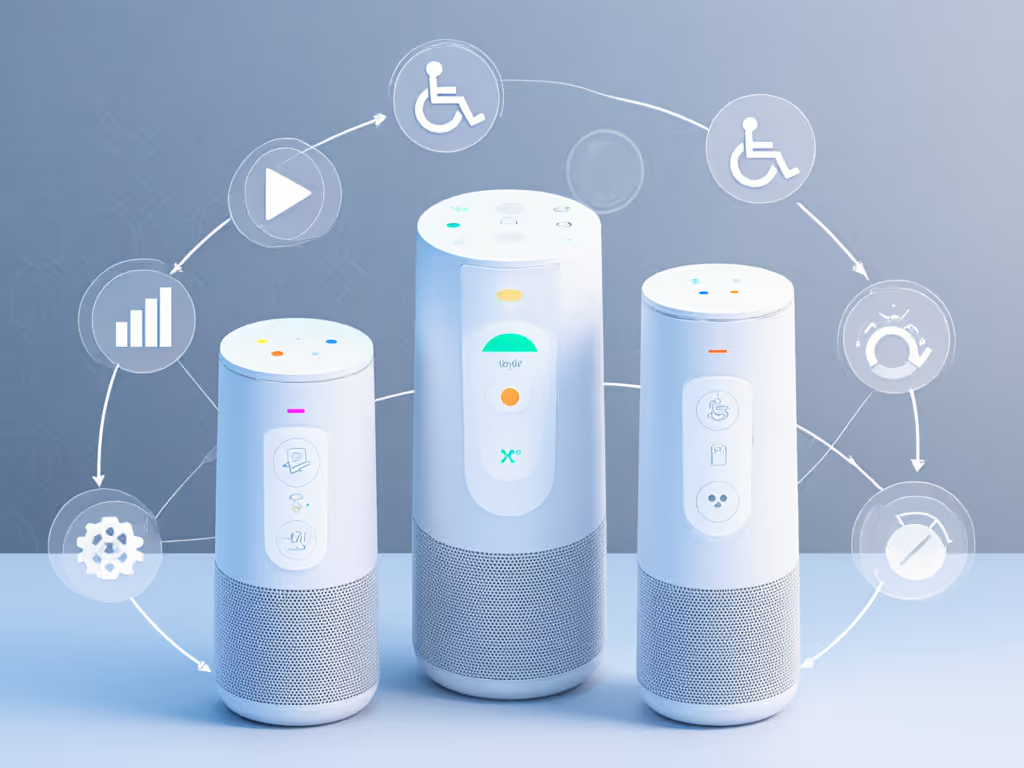
For most users, a learning curve is frustrating. For someone with memory loss or attention challenges, a learning curve is a barrier to use, and every firmware update that shuffles the interface resets that barrier from zero.
Standardized, open platforms (like Home Assistant paired with Thread-based devices, or open Matter implementations) allow you to:
When you standardize on widely supported protocols (Matter, Thread, voice command sets that follow WCAG patterns), you're not betting on one company's compassion. For a deeper dive into interoperability standards, see our Matter 2.0 and Thread guide. You're building on infrastructure designed to be bridged, which is inherently more forgiving.
Memory is the foundation of independence. A memory aid smart speaker allows someone to ask reminders, set grocery-list items, or confirm what they're supposed to be doing without unlocking a phone or navigating a complex app.
Comparison by platform:
| Feature | Amazon Alexa | Google Home | Apple Siri | Home Assistant + Local TTS |
|---|---|---|---|---|
| Set repeating reminders by voice | Yes | Yes | Yes | Yes (if integrated with automation) |
| Store simple lists | Yes | Yes | Yes | Yes (with integrations like Grocy) |
| Read reminders aloud automatically | Limited | Yes | Yes | Yes (if configured) |
| Confirm reminders visually on screen | Yes (Echo Show) | Yes | Yes (HomePod mini screen) | Depends on hub display |
| Reminder tied to location or time | Yes (Alexa) | Yes (Google) | Yes (Siri Shortcuts) | Requires local setup |
| Graceful fallback if internet fails | No | No | No | Yes (local first) |
| Privacy: reminders stored locally | No (Amazon cloud) | No (Google cloud) | Partial (iCloud) | Yes |
The critical difference: dementia voice assistant support that works reliably requires local storage of reminders and predictable playback. Cloud-dependent systems introduce latency and privacy risks. Someone's doctor appointments or medication timings become data points in a remote database.
A simplified voice interface isn't just about bigger text or slower speech (though both help). It's about reducing cognitive load at the moment of interaction.
Key principles:
Home Assistant with a local Whisper STT engine (speech-to-text) and TTS (text-to-speech) allows you to craft these constraints in code, then version-control them. Google and Alexa don't expose this, so you're dependent on whatever interface they ship. If recognition in noisy homes is a concern, see our voice accuracy tests across platforms.
Dementia voice assistant support requires three layers: For device recommendations tailored to seniors and safety features, see our elderly smart speakers guide.
Layer 1: Simplified Routines
Layer 2: Caregiver-Side Monitoring
Layer 3: Graceful Degradation
Cognitive disability voice technology in smart speakers is fragmented (partly because vendors haven't standardized on accessibility patterns, and partly because real cognitive accessibility work is quiet and not profitable).
Where each platform excels:
The bridge-less, standardize-more principle applies here: The more your system depends on one vendor's cloud API, the more it becomes fragile when that vendor updates, sunsetting features, or pivots business models. Integration beats invention: use what works, standardize on open protocols (Matter, Thread, open TTS/STT), and document your configuration so a caregiver or family member can replicate it if a device dies.
Privacy isn't a luxury here, it's part of reliability architecture. If someone with memory loss asks the same question five times, Alexa records all five instances to Amazon servers. Over a year, their medical history, routines, and vulnerabilities become a data trail.
Local-first processing is the graceful-degradation pattern for privacy:
Most commercial platforms offer privacy settings, but they're opt-in and often obscured. For concrete steps and platform differences, use our privacy settings comparison. Home Assistant makes privacy the default: data doesn't leave your server unless you explicitly configure it to.
In households with mixed abilities, multi-user support is non-negotiable. A caregiver needs to set reminders for a parent while preserving that parent's dignity and autonomy, not treating them as a child under parental controls.
What to look for:
Home Assistant supports this natively through YAML automation and conditional logic. Alexa and Google Home are improving family features but remain opaque to caregivers, so you're guessing at why a routine didn't trigger.
Here's where most smart speakers fail catastrophically: firmware updates that break accessibility features.
Common failure patterns:
Question to ask any manufacturer:
Home Assistant has no commercial incentive to deprecate features, the community-driven model means your automations stay compatible for years. Commercial platforms? Update or lose support. Bridge less, standardize more, your future self will thank you.
Here's a standards-first mapping:
For early-stage memory loss or mild cognitive impairment:
For dementia with a caregiver:
For developmental disabilities requiring simplified voice control:
In all cases, failure-domain thinking means:
Smart speaker cognitive accessibility is about building systems that preserve independence while acknowledging real human failure modes. The most accessible system isn't the one with the most features, it's the one that works predictably, degrades gracefully when something breaks, and keeps sensitive data local.
As you evaluate options, ask these questions:
Consider starting with repeatable configurations in one room, a bedroom with a simple alarm and reminder, or a kitchen with a timer and medication alert. Document exactly how you set it up. Then scale that pattern across the home, knowing you can replicate and troubleshoot it.
For deeper exploration, investigate Home Assistant communities focused on accessibility, reach out to caregiver networks who've built these setups, and request accessibility documentation directly from manufacturers. The vendors who invest in transparency, who share update roadmaps, deprecation notices, and accessibility design principles, are the ones building for reliability, not just features.
Your system should work for your household, not demand that your household conform to it. Start there.