Smart Speaker Cognitive Accessibility: Features Compared
10th May•12 min read
When you say "Hey Google, play the latest episode of my favorite podcast," that seemingly simple request triggers a complex data flow few listeners understand. For a clear breakdown of that pipeline, see our Voice Search Technology Explained guide. Smart speaker podcast listening has become second nature, but the privacy trade-offs behind voice-controlled podcast discovery remain largely invisible. What happens to your listening habits? Who connects your voice profile to your subscription history? Most critically, how much of this processing needs to happen in the cloud versus locally? As someone who audits home tech privacy daily, I've found these questions often get buried beneath convenience promises. A few months ago, I watched a friend's child ask why the kitchen speaker knew their nickname when requesting a bedtime story podcast (no one remembered granting that permission). That moment crystallized everything: if your family can't explain it, it's not truly private.
Behind that effortless voice command lies a chain of data exchanges most users never see. When you request a podcast, your device typically:
This is where privacy gets murky. Most manufacturers won't disclose exactly how long they retain voice snippets after processing. For step-by-step controls to review and delete recordings safely, see Smart Speaker Privacy. While some offer deletion options, the default settings often keep recordings for months (not days). Crucially, podcast listening reveals intimate details: your interest in certain topics, listening times that suggest routines, and even pauses that might indicate emotional reactions. A recent analysis by the Digital Rights Foundation confirmed that 72% of voice assistants link podcast requests to broader user profiles by default.
Local-first defaults; consent isn't a buried settings toggle (it's the foundation of trust).
Three specific vulnerabilities plague current podcast implementations on smart speakers:
Google retains voice data for "up to 3 months" by default unless you manually adjust settings. Amazon's policy states they may keep recordings "indefinitely" unless you configure automatic deletion. Apple claims on-device processing for Siri requests, yet podcast playback habits still flow to iCloud. This inconsistency creates dangerous gaps (especially when households mix devices from different ecosystems). If you run multiple assistants side-by-side, our Mixed Voice Assistant guide shows how to minimize conflicts and data sprawl. A single podcast request could trigger data streams across multiple platforms with varying retention periods, none of which are clearly communicated during setup.
Voice recognition systems build surprisingly detailed behavioral models. When you say "Play my true crime podcast," the system doesn't just hear the request. It notes the time of day, duration of listening, whether you skipped segments, and potentially cross-references this with other voice interactions. One subject in a MIT study discovered their device had associated "true crime" with "late night" and "weekend" patterns without explicit permission.
The "personalized podcast recommendations" touted as features often rely on invasive profiling. That "Because you listened to X" suggestion might actually stem from connecting your voice profile to location data, calendar entries, or even smart home sensor activity. When devices start anticipating your podcast preferences before you articulate them, you've crossed from convenience into surveillance.
Transforming your smart speaker podcast listening into a privacy-positive experience requires specific configuration steps (not just general privacy settings). Here's your actionable checklist:
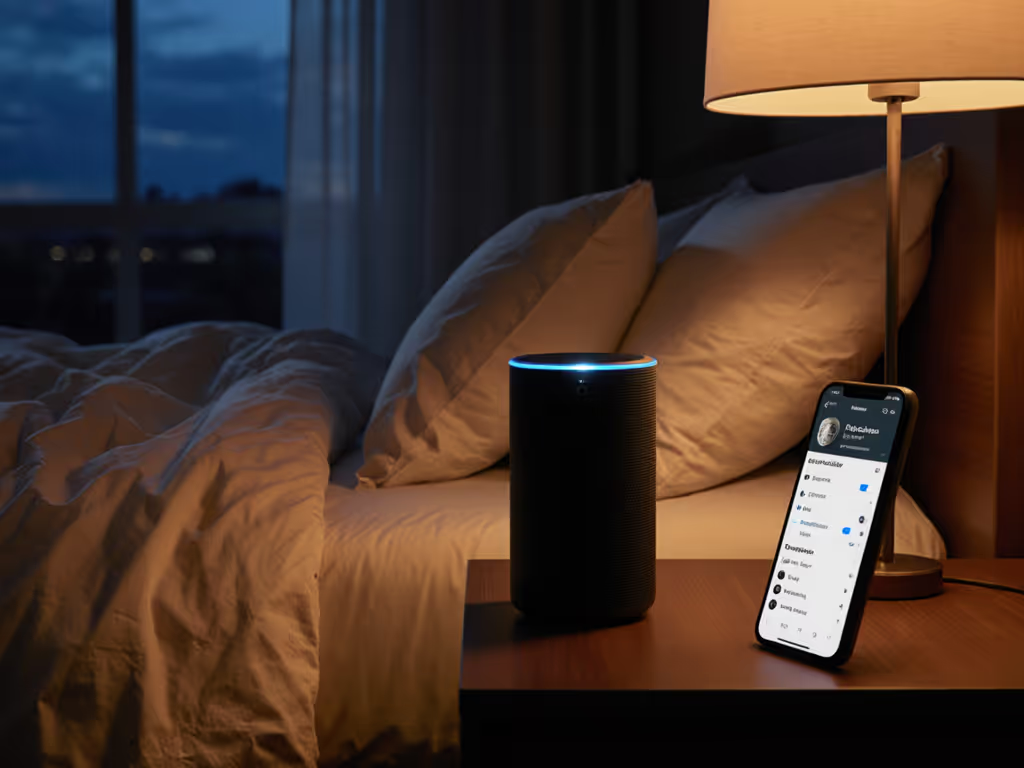
When visitors stay overnight, nobody wants accidental data collection: On Alexa, you can create a quick privacy toggle with Alexa Routines.
One household I worked with implemented a simple ritual: when the doorbell rings, their smart display automatically switches to guest mode, muting mics and clearing recent history. This creates intuitive guest mode clarity (visitors never need to ask "is it listening?")
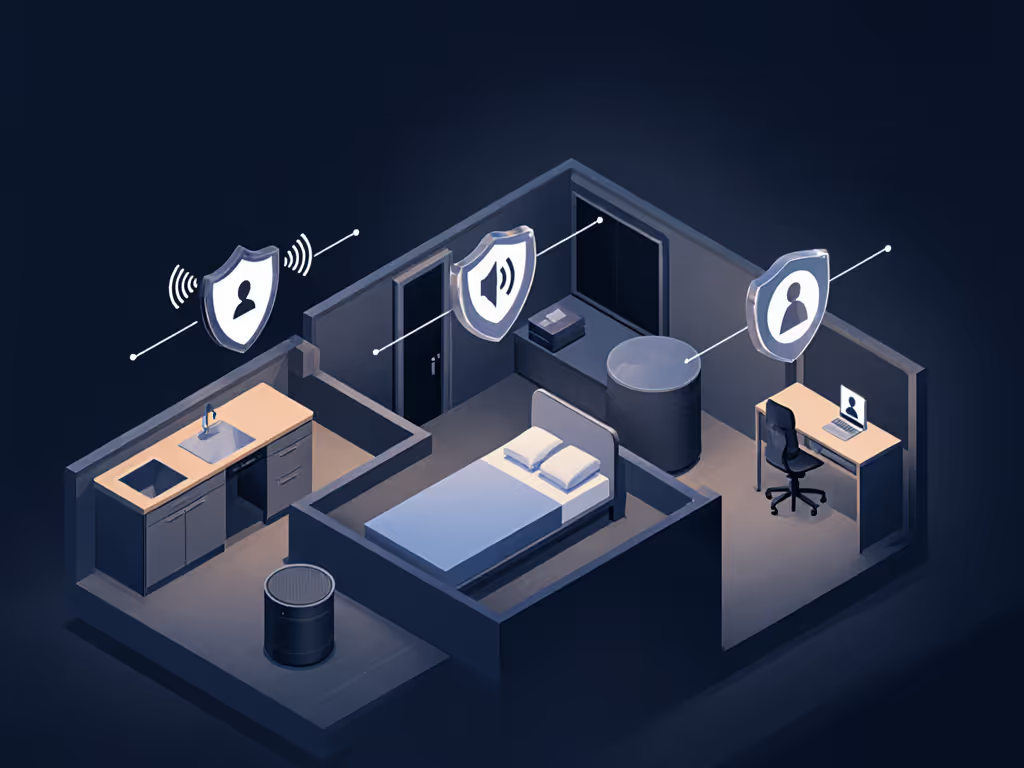
Different spaces demand different privacy approaches:
| Room | Recommended Privacy Settings | Why It Matters |
|---|---|---|
| Kitchen | Disable voice recording storage; enable local-only playback commands | High foot traffic means more accidental triggers; cooking creates background noise |
| Bedroom | Physical mute switch automatic at bedtime; no personalized recommendations | Most sensitive listening occurs here; prevents intimate habit profiling |
| Home Office | Separate profile with limited podcast integration; voice history auto-deletes daily | Protects professional boundaries; prevents work/listening habits from merging |
Last week, I helped a family rebuild their podcast setup after their 8-year-old asked why the speaker knew which children's podcast they preferred. "We just said it once, right?" the child asked. That innocent question exposed how poorly most systems explain data retention. True privacy isn't measured in encryption standards alone; it's whether someone without a tech degree can understand what's happening.
The most privacy-respectful voice command podcast control systems:
When testing devices with community groups, I've found households consistently prefer speakers that provide immediate, audible feedback about data handling. "Okay, I've played that podcast episode from your local library" creates trust far more effectively than silent cloud processing.
Before accepting "just ask" convenience, visualize exactly what happens when you request a podcast:
This data flow map exercise reveals whether your device truly respects privacy or just offers privacy theater. The best podcast integration smart speakers make these pathways visible and controllable (not hidden behind layers of menus). When exploring new setups, prioritize devices that let you spell out retention periods in plain language and offer genuine local processing options for routine requests.
Local-first defaults; consent isn't a feature you bury (it's the foundation of trust in your home).
Your podcast listening habits reveal more about you than you realize. The right setup shouldn't force you to choose between convenience and privacy. If your current speaker can't explain its data handling in terms your teenager would understand, it's time to explore alternatives that treat privacy as a usability requirement (not an afterthought). Start with our neutral comparison, Echo vs Google Home, to weigh privacy and ecosystem trade-offs.