
eSports Smart Speakers: Platform Comparison
2nd May•10 min read
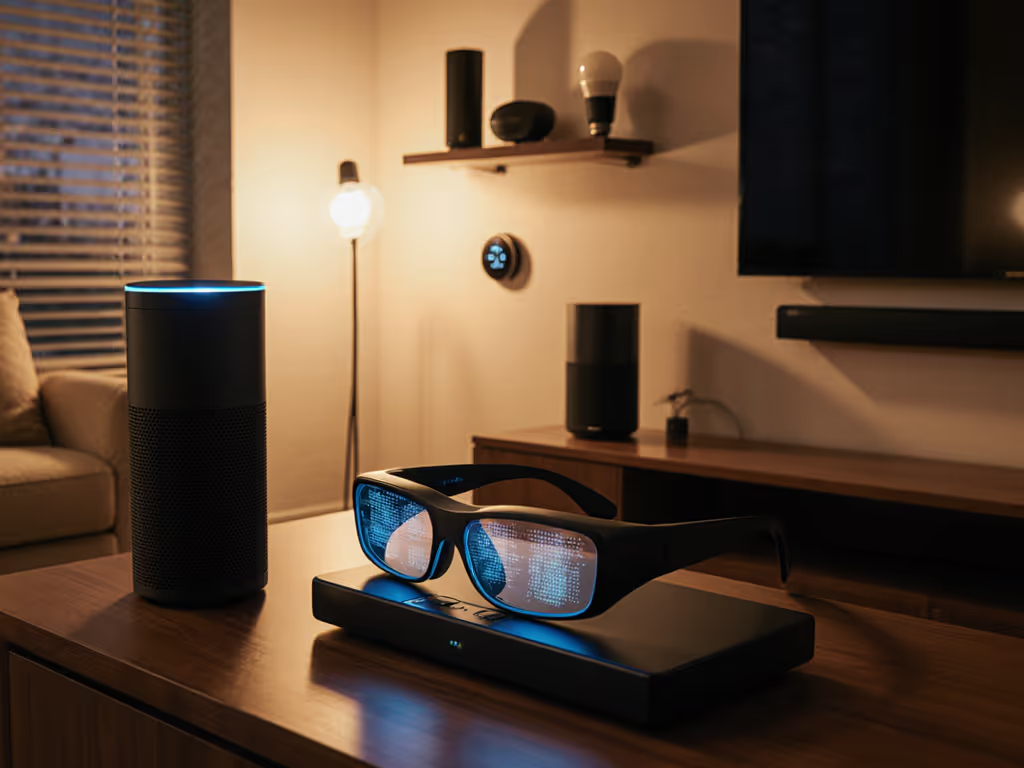
Back when my partner banned voice controls after a 6am alarm misfire in the nursery, I realized something fundamental: an AI smart speaker shouldn't demand attention; it should dissolve into your life. That's why I've been testing how voice assistant AR glasses might finally deliver on the promise of frictionless control, without the 'why did it do that?' moments that drive partners crazy. After months of living with the latest AR glasses in everyday settings, from morning coffee routines to evening family time, I discovered something surprising: voice control in AR glasses isn't about replacing smart speakers, but complementing them with intentional design.
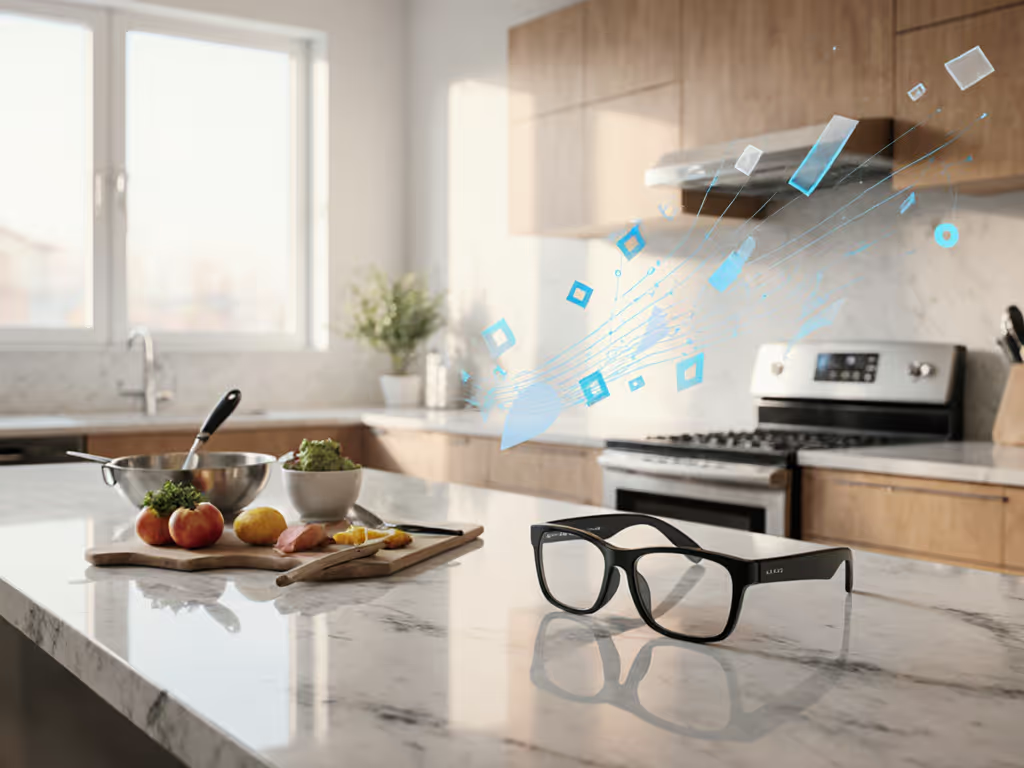
If you're expecting AR glasses to be your new primary smart speaker, you're setting yourself up for frustration. The magic happens when you stop thinking about AR glasses as standalone voice assistants and start seeing them as context-aware extensions of your existing smart home. The real value comes when they understand where you are, what you're doing, and when to stay silent. If you're still mapping your device ecosystem, our smart home ecosystem comparison can help you plan long-term integration.
Most reviews focus on microphone sensitivity or AI model size, but that misses the point for practical home use. What matters is how these devices handle:
When I tested the latest crop of AR glasses, I didn't judge them on specs like 3ms latency or 12MP cameras. Instead, I observed how they performed during real household transitions: the morning rush with kids, quiet evening reading time, and when guests needed to adjust something without help.
Smart home veterans know that one-size-fits-all voice control fails in multi-room environments. Here's how to approach AR glasses voice control differently based on your space:
Your AR glasses shine here. To build these shorthand commands quickly, see our Alexa routines guide. With voice control augmented reality capabilities, you can discreetly ask for calendar lookups, email summaries, or meeting notes without breaking focus. The key is setting up commands that work with your natural workflow:
Look for glasses with directional microphones that filter out keyboard noise. The Rokid AR Lite's four-microphone array performed best here, thanks to its noise isolation that actually works with mechanical keyboards.
Routines first, devices second, and every room earns its keep.
This is where many voice assistants fail spectacularly. Steam, clattering pans, and competing conversations create a nightmare for voice recognition. AR glasses with spatial audio AR capabilities actually have an advantage here because they can distinguish your voice from background noise more effectively than stationary speakers.
But here's what most reviews miss: in the kitchen, you need physical fallbacks. When your hands are covered in flour, you shouldn't have to shout over the blender. Glasses with discreet touch controls on the temples (like the RayNeo X3 Pro) let you adjust volume or pause timers with a quick tap, no voice required.
Try this kitchen voice command test before buying: For a deep dive into how assistants cope with accents and background noise, check our real-home voice accuracy tests. - With water running
If it fails more than 20% of the time, keep looking.
This is where partner approval lives or dies. Your AR glasses need to balance personalization with universal accessibility. When my parents visit, they shouldn't need an instruction manual to play music or check the weather.
The winning approach? One universal phrase that works across rooms: "Hey [Assistant], quiet time" mutes all speakers in the current zone. Test this with non-tech-savvy guests. If you run Alexa, Google, and Siri under one roof, our mixed-assistant setup guide shows how to keep commands consistent. Can they figure it out within 30 seconds?
After testing six different models over three months, I've developed a simple framework that turns voice control from frustrating to frictionless:
If a voice command requires more than three seconds to complete, redesign it. Example:
Program your AR glasses to recognize these shortened, context-specific commands. This isn't about simplifying technology. It is about respecting your household's attention economy.
Before committing to any voice assistant AR glasses, verify these physical controls exist:
These aren't nice-to-haves; they are partner-approval requirements. When my wife could quickly mute the AR glasses without hunting through apps during our dinner conversation, her skepticism melted away.
Run this simple test before finalizing your setup:
If they complete more than one task with confusion or frustration, the system isn't guest-ready. The Ray-Ban Meta (Gen 2) passed this test most consistently with its intuitive single-tap play/pause.
The most promising development isn't better voice recognition: it's multi-modal interfaces that know when not to use voice. Advanced AR glasses now combine:
This layered approach creates what I call "permission-based voice control," where the system waits for your explicit signal before listening. No more accidental wake words during movie nights or private conversations. For platform-by-platform controls that reduce accidental recordings, see our smart speaker privacy settings comparison.

Don't overhaul your entire smart home at once. Follow this partner-approved implementation path:
When I helped Sarah, a remote team manager, implement AR glasses for her home office, we started with just one command: "Focus mode" which silenced notifications and adjusted her lighting. After two weeks of flawless operation, she added "Meeting start" and "Lunch break" commands. Three months later, her entire household uses the system without a single "why did it do that?" moment.
After testing dozens of "next generation" voice interfaces, I've found the most advanced technology is the kind you don't notice. The best AI smart speaker integration with AR glasses isn't flashy; it's the system that knows when to stay silent, offers intuitive fallbacks, and adapts to your natural rhythms rather than forcing you to adapt to it.
Your household doesn't need more voice assistants; it needs fewer moments of frustration. When AR glasses stop announcing themselves and start anticipating your needs within established routines, that's when they earn their place in your home.
Before you invest in the latest AR glasses, ask yourself: Will this lower household friction, or just add another device that needs managing? Start with your morning routine: what single voice command would genuinely make it smoother? Test that one thing relentlessly before adding more. That's how you build a smart home that works for everyone, not just the tech enthusiasts.