Senior Living Facility Voice Assistants: Private, Scalable Care
29th May•14 min read
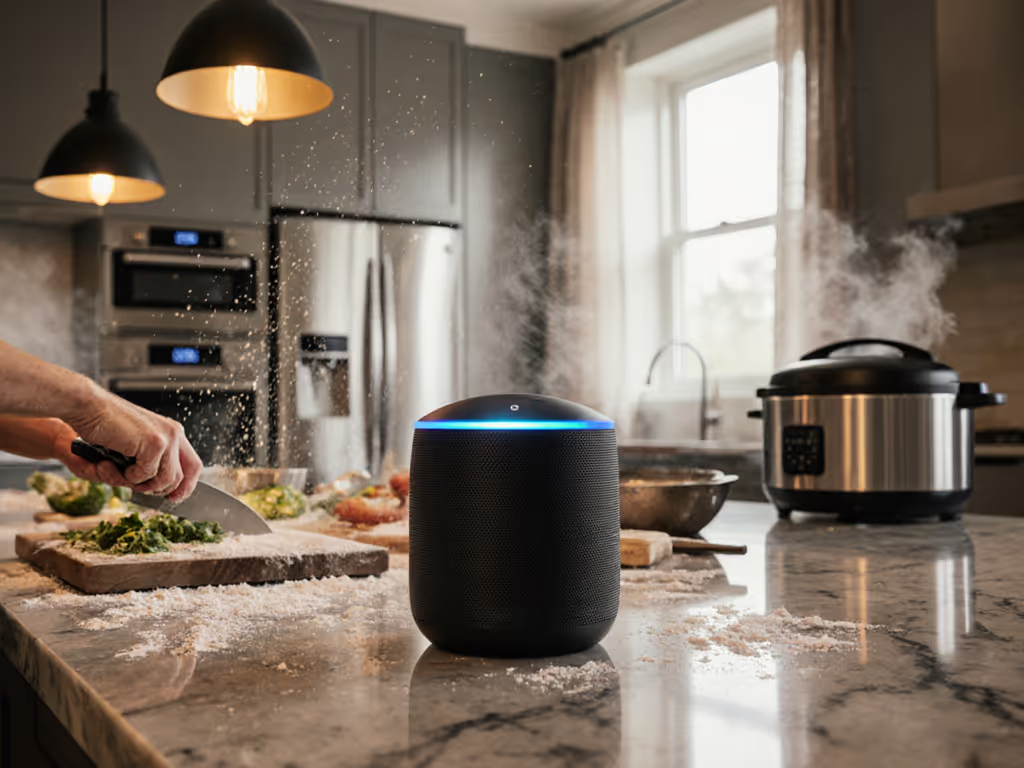
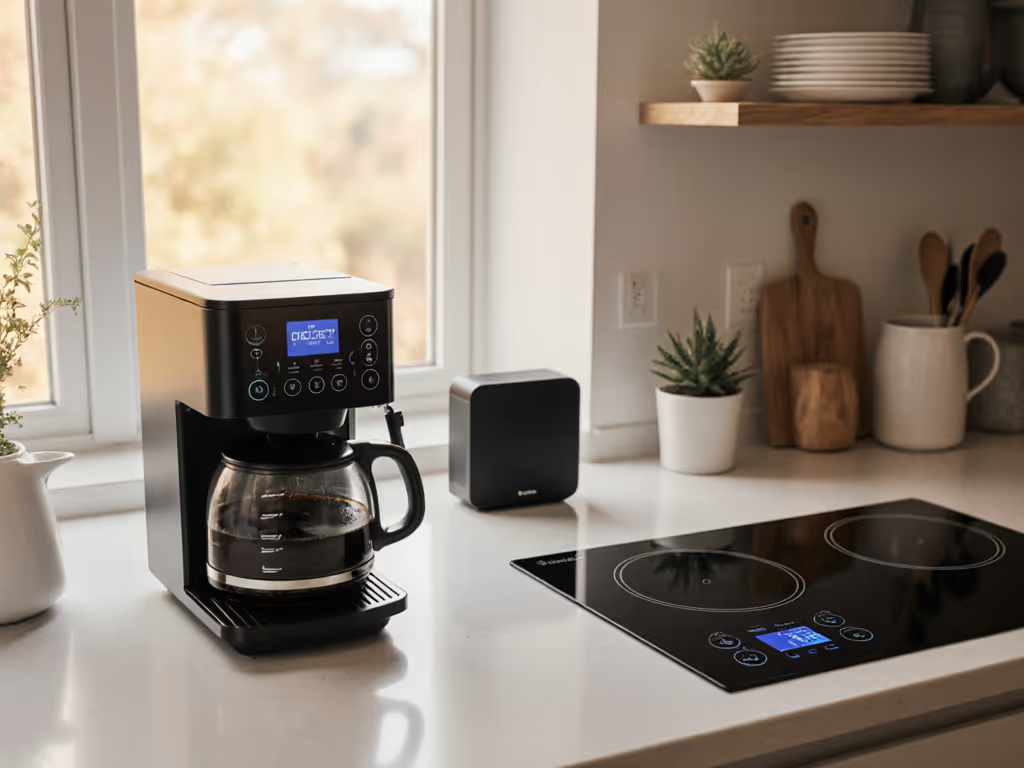
Picture this: flour dusting your phone screen as you frantically stab at timers while searing salmon. Your voice-controlled kitchen should dissolve friction, not create it. Yet too many smart home appliance integration setups become another chore, which is how I found my own voice assistant exiled to the garage after a nursery alarm accident. Today, we'll map your kitchen routines to reliable voice commands that earn partner approval and fade into your flow. Forget flashy demos; this is about making tech disappear when you need it most.
Kitchens are chaos zones. Steam, running water, multiple people talking (it's the worst environment for voice control). If you’re curious how assistants handle loud rooms, see our voice recognition accuracy tests. Most guides ignore this reality, pushing you to voice-control every appliance without addressing when voice makes sense. Let's fix that.
Routines first, devices second, and every room earns its keep.
Your kitchen's voice role isn't to replace touch controls, but to handle hands-full moments: starting timers, converting measurements, or adding to shopping lists mid-chop. For appliances that don't support voice natively, focus on tasks where voice adds real value:
Start with just 2-3 high-impact commands. Overcomplicating kills adoption.
Stop installing skills and answer these:
Your kitchen's persona isn't a tech demo (it's a reliable sous chef). If a command doesn't solve a specific frustration, skip it. Voice in the kitchen is for crisis moments, not vanity features. New to this? Start with an easy smart speaker starter kit and expand as you learn.
The magic isn't in the command itself (it's in what happens when voice fails). If you use Alexa, build dependable custom routines to chain timers, news, and fan control. Make it obvious at 6am by designing commands that work when you're stressed and half-awake:
| Voice Command | Silent Fallback | Why It Sticks |
|---|---|---|
| Hey Google, start 8-minute pasta timer | Physical button on stove | Hands wet? Tap stove instead |
| Add coffee to grocery list | Pre-labeled shopping notepad | Voice glitches? Pen/paper ready |
| Play BBC Cooking podcast | Dedicated speaker button | Background noise? Quick tap |
Critical script for partner approval:
"When the voice fails, it defaults to the old way (no extra steps). Try it: [demonstrate command]. If it doesn't work, just use the knob like before." This frames voice as an optional upgrade, not a forced change.
Kitchens host visitors constantly. Complex voice ecosystems fail here because guests won't memorize commands. Instead:
This is where appliance ecosystem compatibility matters less than simplicity. If you’re weighing ecosystems, our Echo vs Google Home guide outlines strengths without locking you in. If your smart refrigerator voice commands require saying "Alexa, open Samsung Family Hub and add milk to SmartThings list," you've already lost. Stick to basic cross-platform phrases that work on any assistant.
Kitchens are high-traffic zones, and privacy anxiety is real. Address concerns proactively:
Pro tip: Say "Hey Google, is my voice history saved?" before setup. If you don't like the answer, choose a local-processing device instead of cloud-dependent ones. Privacy builds trust. For detailed controls across brands, see our smart speaker privacy settings comparison.
Most guides oversell oven voice control. Here's the truth: voice-adjusting temps while cooking is rare. But setting timers? Essential. Here's the fix:
The same applies to washing machine voice assistant commands (start cycles via voice, but never adjust mid-wash). Voice initiates; hardware executes.
Your voice-controlled kitchen isn't working until it passes the 7am chaos test:
If your commands fail here, simplify further. Great voice UX requires zero cognitive load when you're stressed. That means:
When my partner banned voice controls after that 6am nursery incident, I didn't fight, I rebuilt the system around her pain points. Now she uses voice in the kitchen more than anyone. The rebellion fades when tech serves, not demands.
Before adding one device, do this:
Don't optimize for what voice can do - optimize for what reduces friction. A kitchen that works silently behind the scenes earns its place. When you nail that, the debates stop. The tech fades. And you're left with just... cooking.
Routines first. Devices second. Make it obvious at 6am.
--