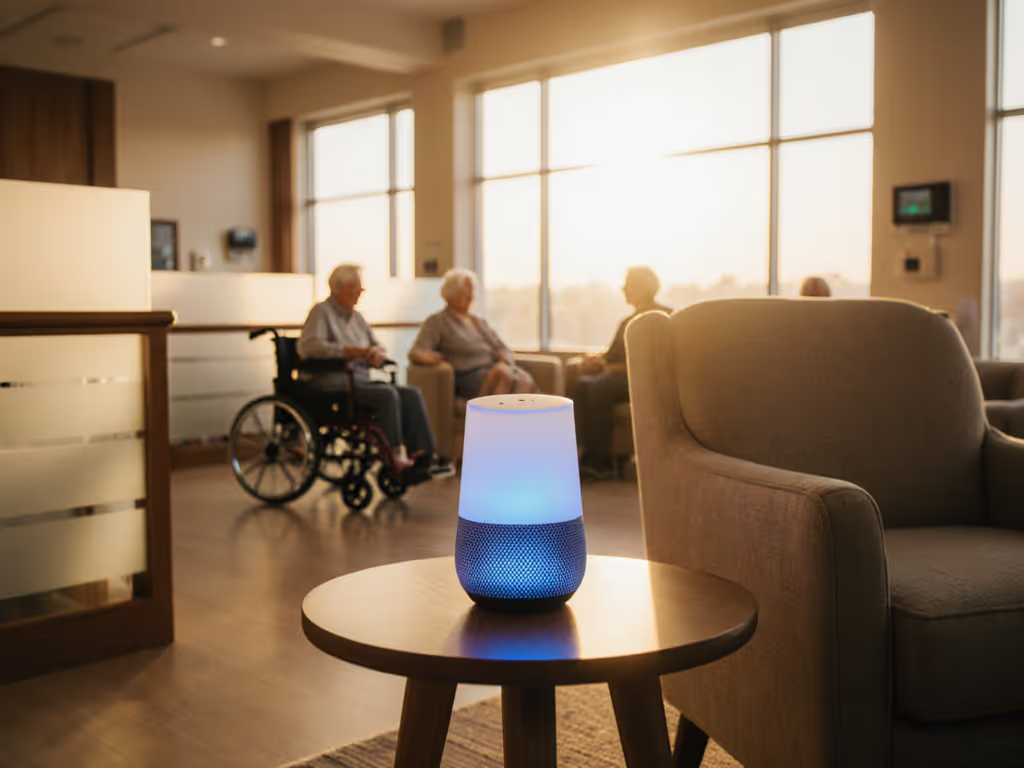
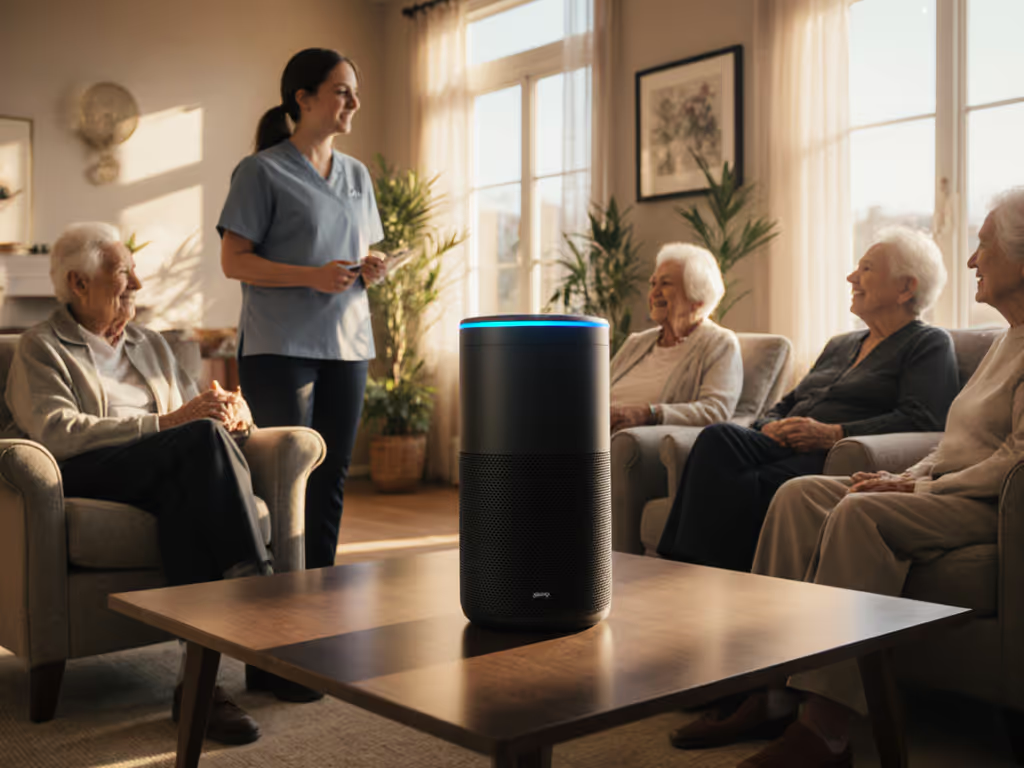
Senior living facility voice assistants promise safer, more independent daily life for residents, but only if they're implemented with consent, clear boundaries, and a realistic view of risk and scale. In this FAQ deep dive, I'll walk through smart speaker senior care implementation options, compare solution types, and give you concrete checklists so you can design private, scalable care instead of an always‑on surveillance network.
FAQ 1: What can senior living facility voice assistants realistically do?
Used well, residential care voice technology is compensatory tech, not a gimmick. Research in senior communities shows that voice assistants can:
- Extend independence by 12–18 months for some older adults using voice technology for home control and reminders.[1] Residents with arthritis or limited mobility can use simple commands to control lights, temperature, and other devices without screens or switches.[1]
- Improve medication adherence, with voice reminders linked to better on‑time dosing and fewer missed medications.[1][2]
- Reduce social isolation through conversational prompts, jokes, music, and connection to family calls or messages.[2][6]
- Support memory and cognition with reminders for appointments, birthdays, where items were placed, and daily schedules.[2][6]
- Offload routine questions from staff, such as "What's on the menu?" or "What activities are today?", freeing staff time for higher‑value interactions.[2]
- Enhance safety by allowing residents to call for help hands‑free ("I've fallen," "I need help"), triggering alerts to staff.[2] For device picks with emergency features and simple commands, see our elderly smart speakers safety guide.
In evidence from real communities, voice isn't just a novelty, it's a way to bridge the gap between what residents want to do and what their bodies or memory comfortably allow.[1][2][6]
Still, every one of these benefits sits on top of data collection. That means the real question isn't just what voice can do, but what you're willing to collect, store, and automate to get there.
FAQ 2: Where do privacy and consent issues show up in senior communities?
Senior living isn't a single‑user apartment; it's a mix of residents, families, staff, and visitors sharing spaces. That makes consent UX and data boundaries much more complex.
Key privacy and consent risks include:
- Always‑listening mics in shared spaces: Lounge, dining room, or therapy areas rarely have one clear "owner" of a device.
- Incidental recording of staff and visitors: Cloud‑based assistants may capture fragments of clinical discussions, family calls, or casual conversations if wake words misfire.[5]
- Regulated data leakage: Voice reminders tied to medications, diagnoses, or room numbers can drift into protected health information territory.[3][5]
- Opaque retention policies: Default cloud settings often retain transcripts or audio for months or longer, unless explicitly configured otherwise.[5]
- Unclear enrollment and opt‑out: Residents may not understand that their room speaker is personalized, what data it stores, or how to disable features they don't want.[8][9]
Industry guidance for senior living warns that new smart voice technology brings both "opportunities and risks," and specifically calls out data governance, consent, and security as areas operators must proactively address.[5]
I often see the same pattern: a pilot starts with one or two devices, succeeds, then scales quickly without revisiting privacy defaults. To understand platform-specific retention and controls, see our smart speaker privacy settings comparison. Six months later, families discover that joke‑requesting or call logs are accessible in apps they didn't know existed.
Local‑first defaults; consent isn't a buried settings toggle.
FAQ 3: What types of voice solutions exist for senior living, and how do they compare?
I'll compare solution categories rather than specific brands. Think of these as three 'products' on the shelf when planning elder care facility voice systems.
Category 1: Mainstream consumer smart speakers
These are the familiar smart speakers built around large cloud platforms. They dominate senior community smart speaker solutions today.[1][2]
Pros
- Low device cost and easy procurement
- Mature voice recognition with strong far‑field mics
- Huge ecosystem of skills, content, and smart home devices
- Residents and families may already use them at home
Cons
- Default to cloud processing, with data stored in vendor accounts by default[5]
- Per‑device or per‑account management at scale can become unmanageable
- Harder to strictly segregate resident vs facility data in shared spaces
- Admin tools were designed for households, not regulated care environments
Best fit
- Independent living or lower‑acuity settings
- Tech‑confident residents who can meaningfully consent and manage some settings
- Non‑clinical use cases: information, entertainment, non‑sensitive reminders
Category 2: Senior‑specific or enterprise voice platforms
These are platforms purpose‑built for nursing home voice assistant deployment and senior living, sometimes wrapping mainstream assistants with enterprise management, sometimes offering their own assistant.[1][2][5]
Pros
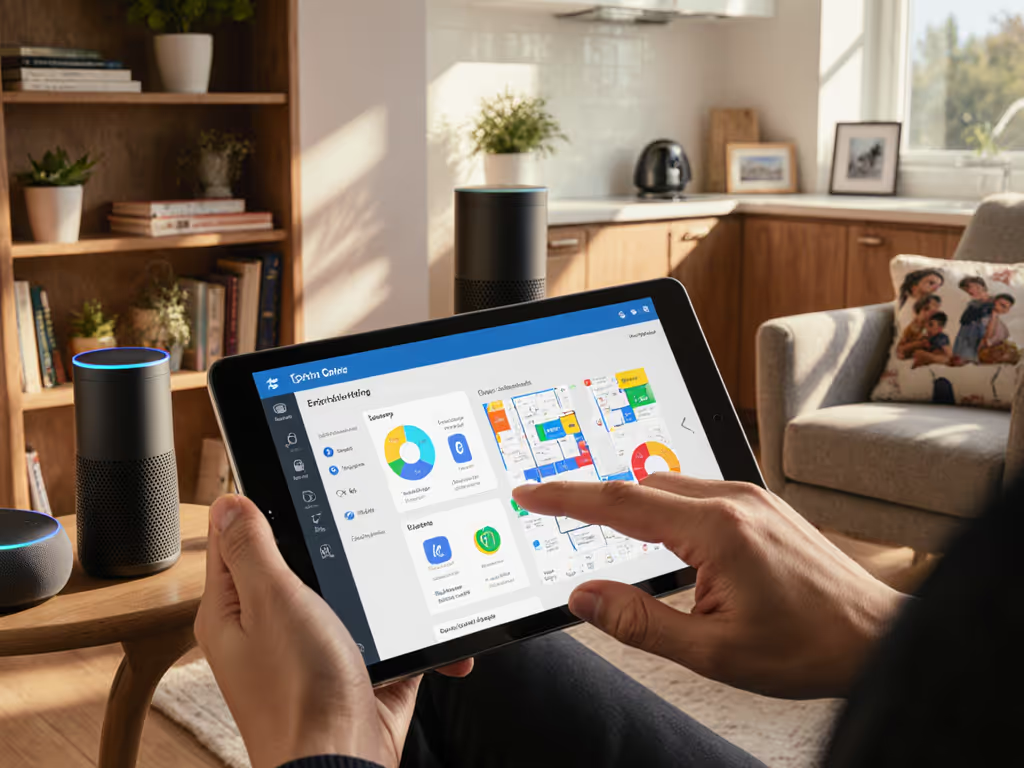
- Facility‑level dashboards to onboard, configure, and revoke devices in bulk[5]
- Features tuned to senior needs: simplified commands, fall‑alert phrases, community announcements, event calendars, medication reminders[1][2][6]
- Better alignment with healthcare privacy expectations; some support tailored retention and formal agreements around regulated data[3][5]
- Content and skills curated for older adults and cognitive accessibility[6][8] (see cognitive accessibility features compared).
Cons
- Higher per‑unit or subscription cost vs consumer speakers
- Vendor lock‑in risk if APIs or business models change
- Still often rely on cloud processing, though sometimes with stricter controls
Best fit
- Assisted living, memory care, and nursing environments where staff need central oversight
- Facilities needing elder care facility voice systems with audit trails and clear role‑based access controls[3][5]
Category 3: Local‑first / on‑premise voice systems
These range from commercial on‑prem solutions to custom deployments built on open‑source voice engines. They prioritize local processing and minimal data export.
Pros
- Voice processing can happen entirely on devices or on‑prem servers, reducing cloud exposure
- Fine‑grained control of logs, transcripts, and retention periods, aligned with internal policy[3]
- Easier to segment networks and meet strict data residency requirements
Cons
- Higher upfront integration and engineering overhead
- Smaller ecosystem of "skills" and third‑party integrations
- Requires in‑house or contracted expertise to operate and maintain
Best fit
- Larger operators with IT teams comfortable managing on‑prem services
- Jurisdictions or corporate policies with stringent data localization and privacy rules
Quick comparison table
| Category | Privacy posture | Scalability & admin | Ecosystem breadth | Typical setting |
|---|
| Mainstream consumer | Cloud‑centric, user‑account based | Weak facility‑wide admin tools | Very broad | Independent living, low‑acuity |
| Senior‑specific / enterprise | Cloud with stronger controls & agreements | Central dashboards, role‑based access | Moderate, curated | Assisted living, memory care |
| Local‑first / on‑prem | Strongest local control, minimal cloud | High effort but highest control | Narrower, more custom | Large / regulated operators |
For most organizations, the path forward is a hybrid: enterprise‑style management atop commercial platforms where appropriate, and local‑first infrastructure in the most sensitive or shared environments.
FAQ 4: What does a consent‑first deployment look like in practice?
Residents and families should never be surprised by what a device remembers. Consent in senior living is not a one‑time checkbox; it's an ongoing relationship.
Research shows that older adults' willingness to use voice assistants is strongly influenced by perceived usefulness, ease of use, and trust, with privacy concerns a key barrier.[8][9][10] That trust is built through small, visible practices.
Here's a consent‑first model you can adapt.
Step 1: Map your data flows
Before you add a single device, answer in plain language:
- What audio leaves the building, and to whom?[3][5]
- Are transcripts stored, and can they contain medications, diagnoses, or names?[3][5]
- Who can administratively access those logs, vendor, IT, front‑line staff?[3]
- How long do we retain data, and how is deletion enforced and audited?[3]
Many voice AI guides for senior organizations recommend mapping data flows end‑to‑end, using encryption, role‑based access, and strict retention aligned with policy and regulation.[3]
Step 2: Define clear enrollment and opt‑out paths
For each resident:
- Provide a simple one‑page explainer in large print: what the device does, what it does not do, and how to mute or remove it.
- Offer modes: "Reminders only," "Home control only," or "Full assistant", so residents can choose their comfort level.
- Document consent in the resident record, and revisit it during care plan reviews.
For shared spaces, post visible signage: "This room uses a voice assistant for activities and announcements. Say 'Stop' or use the mute button to disable it."
Step 3: Use guest‑safe and staff‑safe defaults
- In resident rooms, disable features like voice purchasing and open calling unless explicitly requested and understood.
- In staff areas, treat any device as potentially recording if mis‑triggered; avoid discussing PHI within earshot.
- For visiting family, provide a small printed "house rules" card about the room's voice assistant.
I still remember the first time a child in a communal kitchen asked why the speaker knew their nickname (and no one could recall turning that feature on). We paused, audited every integration, reset devices, and rebuilt with explicit prompts. The sense of relief in the room is what you want your residents and families to feel.
If guests and staff can't look at a device and immediately understand how to control what it hears, it's not private yet.
FAQ 5: How do we roll out at scale without overwhelming staff?
Most successful deployments in senior communities follow the same playbook.[1][2][3]
Start with a tightly scoped pilot
- Choose one building or floor, and 10–20 residents who are curious and willing.[1]
- Focus on 2–3 clear jobs to be done: e.g., "daily schedule & announcements," "medication reminders," "lights & TV control."[1][2]
- Pre‑configure devices with resident names, preferred settings, and emergency contact flows before installation.[1]
Voice AI guides for senior organizations recommend similar tight scoping and 'happy path' design for pilots, refining before broad roll‑out.[3]
Train residents and staff together
Evidence from communities that have run voice workshops shows better adoption when training is social and ongoing.[2]
- Offer small group sessions for residents over several weeks, each covering a few commands and safety features.[2]
- Provide laminated command cards with 5–10 common phrases in large type.[1][2]
- Designate staff "voice champions" who can help residents practice and escalate issues.[1]
Measure what matters
Borrowing from voice AI metrics in senior operations, track:[3]
- Reduction in routine staff questions ("What's for dinner?")
- Use of safety phrases ("I've fallen," "I need help") and response times[2] For product evaluations of fall detection phrases, caregiver alerts, and wellness integrations, see our medical alert smart speakers review.
- Medication reminder adherence rates when used in conjunction with existing systems[1]
- Resident satisfaction and perceived independence[1][6]
Use weekly or monthly reviews to adjust scripts, announcements, and default settings based on real usage and feedback.[3]
FAQ 6: What does a private, scalable architecture look like?
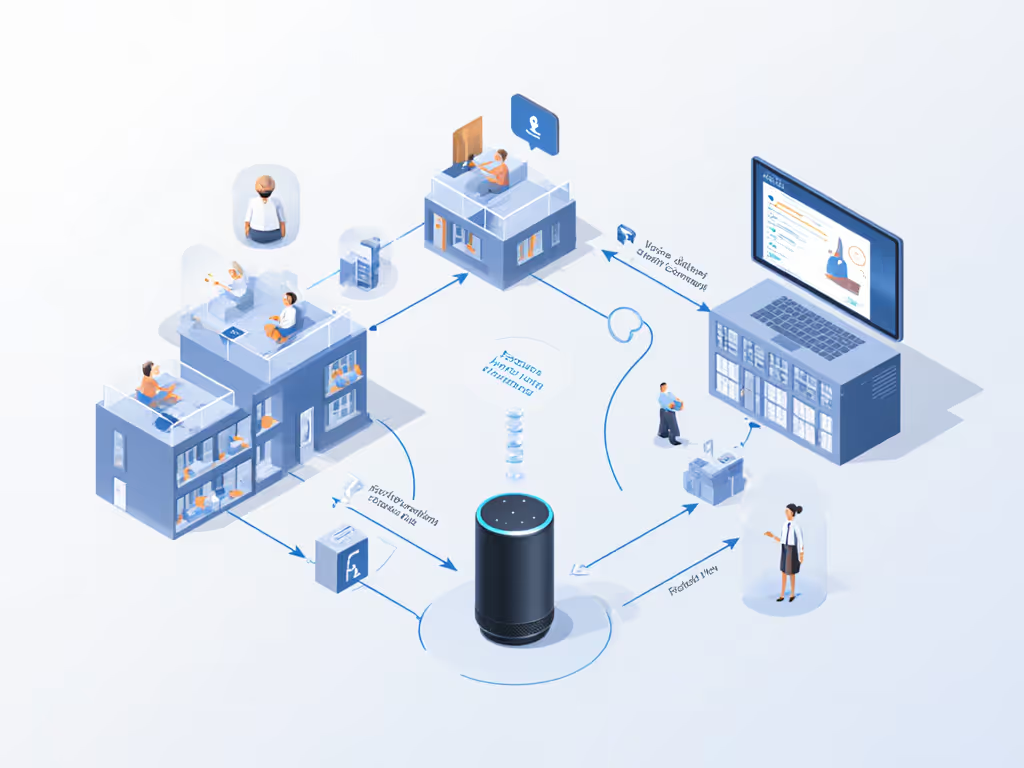
Think in layers rather than a single monolithic system.
Layer 1: Resident rooms
- Choose devices with physical mic mute indicators and simple buttons.
- Keep them on a segmented network isolated from clinical systems.
- Limit skills to what the resident has consented to, often: time, weather, simple calls, limited reminders, and selected entertainment.
- For higher‑acuity residents, coordinate with clinical teams so voice reminders don't conflict with eMAR workflows.[1]
Layer 2: Common areas
- Use enterprise or local‑first configurations that allow central management of what each device can do.
- Focus on group use cases: event announcements, trivia, music in lounges, activity prompts.[2]
- Disable personalized features that could leak individual health or financial details.
Layer 3: Back‑office and phone systems
Beyond in‑room speakers, many operators now explore voice AI for call handling: answering routine inquiries, scheduling tours, routing maintenance requests.[3]
- Implement as a separate, tightly scoped system with clear escalation to human staff.[3]
- Map data flows, redact sensitive details in recordings, and align retention with policy.[3]
- Use metrics like containment, handling time, and caller satisfaction to ensure it's helping rather than frustrating callers.[3]
Across all layers, your architecture should make it possible to:
- Turn off or factory‑reset any device quickly when a resident moves out
- Rotate credentials and API keys without tearing down the whole system
- Audit who accessed what configuration or log, and when[3][5]
FAQ 7: What should we demand from vendors before choosing a solution?
To avoid regret and rushed rip‑and‑replace projects, treat your selection as a multi‑year partnership, not a gadget purchase.
Here's a vendor question checklist tailored for smart speaker senior care implementation:
Privacy, data, and retention
- Where is audio processed: on‑device, on‑prem, or in the public cloud?[3][5]
- Are audio recordings stored, or only transcripts and metadata?[3]
- What are the default retention periods, and can we set stricter limits per tenant or facility?[3][5]
- Can residents (or their legal representatives) review and delete their data easily?[8][9] For step-by-step deletion and review procedures on major platforms, use our voice data privacy guide.
Consent, transparency, and admin controls
- Does the system support facility‑level admin with role‑based access control?[3][5]
- Can we bulk configure features by unit type (independent living vs memory care)?
- Are there audit logs for configuration changes and administrative access?[3]
- Does the vendor provide resident‑facing materials in accessible formats explaining what the system does?[2]
Reliability, updates, and lifespan
- How long will devices receive security updates and support?
- What is the vendor's sunset policy for hardware and major software versions?
- Can we run critical features locally during internet outages?
- How are changes to third‑party integrations (e.g., medication systems, calendars) communicated and tested before they break automations?[3]
Integration and future‑proofing
- Does the platform integrate with existing call, eMAR, or activity management systems via supported APIs?[1][3]
- Can we export our configurations and data if we switch vendors later?
- Are there on‑prem or hybrid deployment options where regulations demand it?[3]
When a vendor can't or won't answer these clearly, that's your signal to pause. In senior living, opacity is a bigger red flag than missing features.
FAQ 8: How do we keep voice helpful, not creepy, for residents and families?
This is the question residents rarely ask directly but often feel. Research into older adults' interactions with smart speakers highlights that they value usefulness and companionship but are wary of devices that feel intrusive or confusing.[6][8][9]
Practical ways to keep the experience humane:
- Name the limits out loud: During onboarding, explicitly say what the assistant can't do, "It doesn't listen when muted; it can't call anyone you haven't approved."
- Use gentle, human‑sounding prompts for safety features (e.g., "If you need help, you can say 'Help me' to this device.")[2]
- Keep command sets small and consistent across rooms and facilities; repetition builds comfort.[1][2][6]
- Encourage residents to teach one another; peer‑to‑peer sharing during workshops has been shown to boost confidence and adoption.[2][6]
Privacy in senior communities is something residents and families feel in their bodies: fewer surprises, clearer boundaries, and technology that behaves predictably.
Where to go next: turning this into your facility's playbook
To move from ideas to implementation, I suggest three concrete next steps for your team:
- Run a one‑hour internal workshop with leadership, clinical, IT, and resident representatives. Map your top five use cases for senior living facility voice assistants, and your top five fears.
- Draft a one‑page "Voice Charter" for your community: what you will and won't do with voice, your retention norms, and how residents can opt in or out. Keep it in plain language.
- Shortlist two or three solution categories (consumer‑based, senior‑specific, and/or local‑first), and evaluate them against the vendor checklist above.
From there, you can pilot in one wing, iterate your data flow maps and consent materials, and only then consider scaling. If you'd like to go deeper, the next area to explore is local‑first architectures for residential care voice technology: how to combine on‑device intelligence with just enough cloud to keep content rich, while keeping residents' daily lives truly theirs.