Senior Living Facility Voice Assistants: Private, Scalable Care
29th May•14 min read
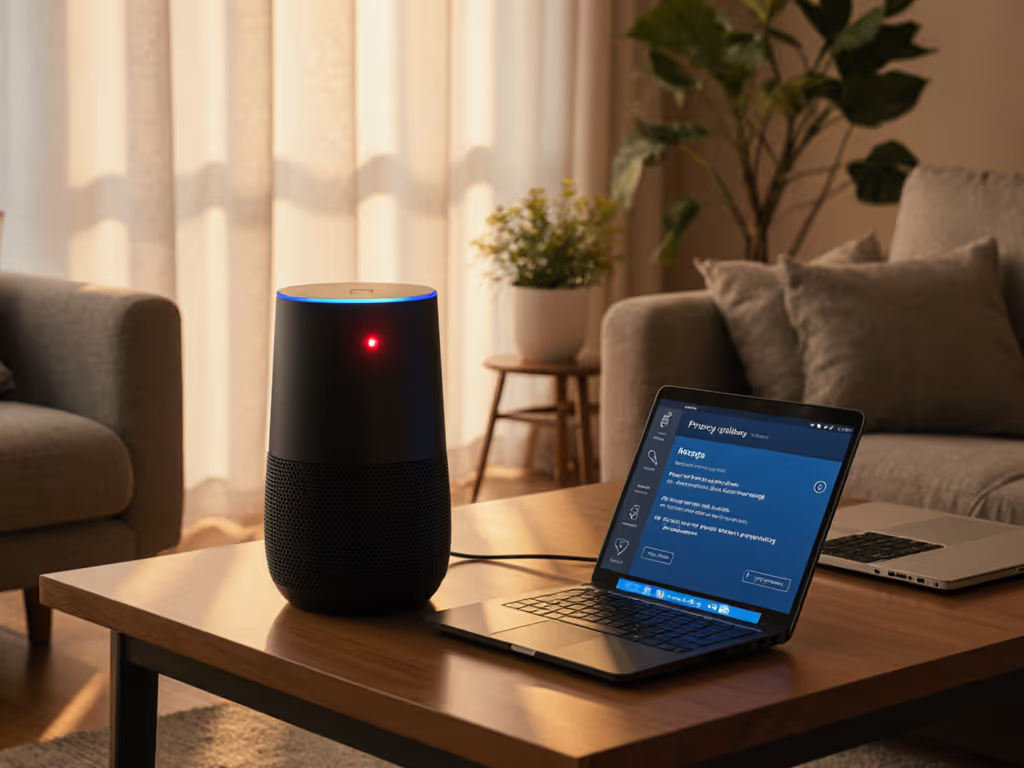
When your smart speaker stops responding to voice commands, smart speaker repair becomes urgent, but not at the expense of privacy. Voice assistant troubleshooting should prioritize data minimization as much as functionality restoration. After witnessing a friend's child question why their kitchen speaker knew their nickname (a detail no one recalled sharing), I have seen how privacy failures damage trust more than technical glitches. The relief on their faces after we reset with local control defaults confirmed my core belief: privacy is a usability feature you feel, especially when guests or children are involved. Repairing voice assistants isn't just about fixing microphones; it's about rebuilding consent-first interactions that honor what users don't say.
Most voice assistant failures stem from either hardware degradation or privacy configuration conflicts. While many guides focus solely on speaker drivers or Bluetooth connectivity, they overlook how privacy settings create single points of failure. To compare which platforms offer the most robust controls, see our smart speaker privacy settings comparison. When an "Echo speaker repair" request comes in, I first check whether privacy toggles (like microphone disable switches) are accidentally engaged or if firmware updates changed default permissions. Google Home troubleshooting often reveals that "not listening" errors occur after users enabled "voice match" without realizing it requires additional voice samples.
Hardware issues like degraded far-field microphones compound privacy risks. As sensors lose sensitivity, devices compensate by increasing gain thresholds, accidentally capturing more ambient sound before triggering. For empirical results on how different devices handle noise and complex commands, review our voice recognition accuracy tests. This creates data collection creep invisible to users. A proper diy smart speaker fix examines both the physical components and the data flow architecture. For instance, a speaker that randomly activates might have a faulty mute button sending intermittent signals, a hardware issue that could breach privacy if undetected.
Data you never collect can't leak. This principle should guide every repair decision.
Before disassembly, create a data flow map showing:
This prevents accidental exposure of sensitive recordings during repair. Many "Google Home troubleshooting" guides skip this step, risking unintentional data access. For Amazon devices, check if "Alexa Guard" is active (a security feature that streams audio to the cloud during emergencies), which could be misinterpreted as a malfunction.
When diagnosing microphone failures:
A common pitfall in smart speaker maintenance is replacing components without preserving hardware mute switches. Always confirm the physical privacy toggle still functions post-repair. Recent teardowns reveal manufacturers increasingly integrate privacy switches with mainboards, making this step critical for devices like newer Echo Dots.
Post-repair, don't just restore functionality, rebuild trust. Guide users through:
This transforms repair from a technical fix into a privacy reset opportunity. If you need a walkthrough on deleting old recordings and tightening defaults, start with our voice data control guide. During one Google Home troubleshooting session, I discovered the device was retaining voice profiles of former houseguests, highlighting why retention policy audits belong in every service protocol.
Professional repair services must adopt consent-first language in diagnostics. Instead of "Your speaker is broken," say "Your device stopped processing requests locally after the last update, would you like to restore on-device processing first?" This frames repair as a privacy choice, not just a technical necessity.
Key ethical considerations:
When my team performs echo speaker repair, we document all data accessed using timestamped logs, then delete them immediately after generating the service report. This transparency builds trust that repair technicians respect the principle that local-first defaults protect against systemic privacy failures.
Preventative care reduces the need for emergency repairs while safeguarding privacy:
Monthly Privacy Checkup
Room-Specific Calibration
This approach addresses core pain points like "multi-user profiles that don't work seamlessly" while preventing data buildup that attracts attackers. And if you keep purchases enabled, read our breakdown of voice commerce security safeguards to avoid accidental or unauthorized orders. Proper smart speaker maintenance includes scheduled retention policy reviews, not just checking if the speaker works, but whether it should be keeping certain data at all. Small, routine adjustments go a long way.
Every smart speaker repair represents a chance to rebuild trust through transparent data practices. When guests can understand (and control) what your devices remember, you've achieved true privacy-by-design. Local-first defaults aren't just technical choices; they're usability features that prevent the "How did it know that?" moments that erode trust. Next time your voice assistant fails, approach the repair as a system reset: restore functionality while tightening data flows, recalibrating consent prompts, and honoring the principle that simplicity protects privacy. For deeper exploration of privacy-first device maintenance, review our community audit toolkit that turns complex retention policies into household-friendly checklists.
Data you never collect can't leak, a mantra that transforms repairs from technical chores into trust-building opportunities.