Senior Living Facility Voice Assistants: Private, Scalable Care
29th May•14 min read
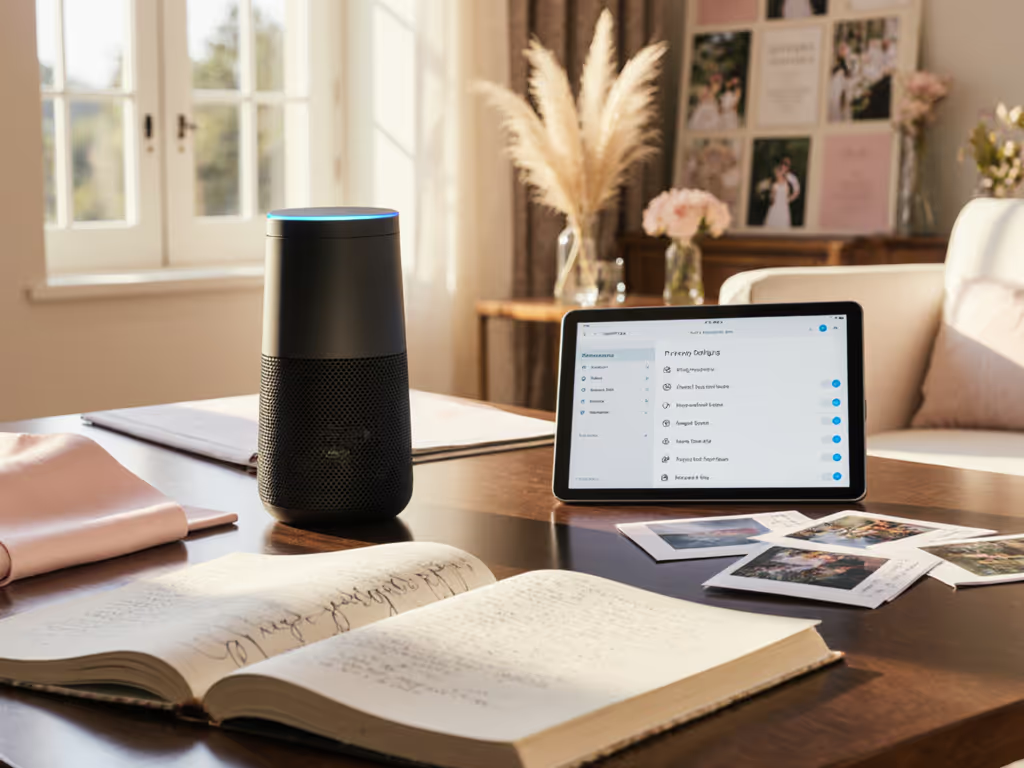
Voice assistants are quietly reshaping how couples plan weddings, from AI drafting guest lists to smart speakers coordinating vendor calls across shared household devices. According to a 2026 industry report, 54% of couples now use AI in some way to plan their wedding, marking a 150% surge from the previous year. Yet as wedding planning becomes increasingly voice-activated, a critical gap emerges: most households have never audited who listens to these conversations, where that data flows, or what happens to recordings after the big day.
This guide cuts through the hype around wedding planning voice assistants and smart speakers for event planning by examining the real privacy costs couples invite into their homes, and how to reclaim control without sacrificing convenience.
The 2026 wedding landscape has shifted dramatically. Couples are leaning on AI as a "logistical assistant to help answer questions, draft emails, and manage budgets and timelines." Voice assistants fit naturally into this workflow. A kitchen speaker can read vendor availability while you cook. A bedroom device can remind you to confirm the florist contract. A shared family display can sync the wedding timeline so guests staying nearby can see the rehearsal schedule.
But this convenience comes layered with assumptions. Most households haven't questioned:
These gaps become acute during wedding planning because the conversations happening at home (budget disputes, guest drama, seating conflicts, vendor complaints) are intimate, often involve third parties (vendors, family members), and persist in searchable form long after the wedding ends. For step-by-step controls on deleting recordings and tightening permissions, see our smart speaker privacy guide.
One moment crystallizes the privacy risk: a household guest, while helping with wedding research on a shared kitchen speaker, says the couple's nickname casually. A few days later, the speaker uses that nickname unprompted in a reminder. No one remembered granting permission. No one knew it had been recorded, extracted, and integrated into the device's profile. When that moment hits, when the technology suddenly reflects a detail you never explicitly taught it, the creepiness is undeniable. More importantly, you realize other people's private comments, spoken in what felt like a family space, are now data.
This is why wedding guest experience voice technology demands a different consent model. Guests staying over during wedding week (in guest houses, shared rental properties, or split families coordinating across multiple rooms) may use your smart speakers without understanding they're being recorded. Some households don't inform guests about audio capture at all. If your home mixes Alexa, Google, and Siri devices across rooms, use our Mixed Voice Assistant Smart Home Guide to avoid cross-triggers and confusion during wedding week.
Local-first defaults; consent isn't a buried settings toggle. If a voice assistant is in use, guests deserve to know, and the household needs granular controls that don't require a computer science degree to set up.
Understanding how voice assistants fit into wedding workflows helps identify where data collection feels reasonable versus intrusive.
Asking "add final headcount confirmation to tomorrow" is genuinely useful. The device stores the reminder locally or sends it to the cloud scheduler with an encrypted connection (ideally). Problem: many services log the full audio clip, not just the extracted task. You later delete the reminder, but the recording may remain in an archive.
Privacy consideration: Confirm whether your voice service retains audio after the task is created. If it does, manually delete clips weekly or disable voice history entirely for this device.
Saying "call the florist" or "text the planner an update" simplifies multi-step tasks. But integrating with vendor contact systems means:
Privacy consideration: Use voice commerce for wedding services only for simple, non-sensitive tasks (booking reminders, location confirmations). For detailed vendor conversations, use direct channels (phone, email, video call) where you control the record. Before enabling purchases, learn how authentication and fraud prevention work in our voice commerce security guide.
Wedding planning often involves the partner, parents, in-laws, and delegated friends. Using a shared household speaker to ask "add Mom's plus-one to the guest list" or "read the seating chart" means:
Privacy consideration: Designate a single device for wedding-sensitive tasks, accessible only to the decision-makers. Keep guest lists and vendor contacts in a separate, non-voice-activated system (spreadsheet, wedding app, physical notebook). Use guest mode or temporary access profiles for extended-stay visitors.
Here's a privacy-first workflow that keeps the utility without the creep.
Identify your data flows. Map which conversations should stay local (partner only), which involve third parties (vendors), and which need to scale (guest coordination). Write these down. Most households skip this step and end up with everything stored equally.
Audit retention policies. Log into each voice service you use (Amazon Alexa, Google Assistant, Apple Siri) and navigate to privacy settings. For a side-by-side breakdown of these controls, see our Smart Speaker Privacy Settings comparison. Record:
Disable voice shopping. Wedding planning creates urgency. You will be tempted to say "add flowers to my registry" or "order napkins." Turn off voice commerce for the planning period.
Use local-only devices for sensitive conversations. If you have a smart speaker that supports local voice processing (some newer models can execute commands without sending audio to the cloud), reserve it for guest-count and seating discussions. Keep vendor calls and budget disputes off always-listening devices.
Mute mics when guests arrive. Provide a physical mute button (not a voice command). Guests should see it. If they ask, "Is this recording?", you can say, "The mic is off, but here's how to check." Transparency defeats creepiness.
Create a guest mode profile. This is non-negotiable. A guest mode should:
If your device doesn't offer guest mode, consider whether you should use a voice assistant in shared spaces during wedding week at all.
Export and delete. Manually delete all voice history tied to wedding planning. Most services let you download your data first. Do it. Then delete in batches. Don't rely on "auto-delete after 90 days" because those policies can change.
Audit integrations. Check the vendor CRMs, calendar apps, and contact systems you used. Delete any call logs, recordings, or notes from planning conversations. If a florist's system retains indefinite call records, ask for deletion or request a privacy amendment.
Reset user profiles. If the device learned a guest's voice, remove that profile. Regenerate speaker recognition models if available.
Not all voice assistants are equal. The critical differences:
| Feature | Alexa (Amazon) | Google Assistant | Apple Siri | Home Assistant (Local) |
|---|---|---|---|---|
| Audio Storage | Indefinite unless auto-delete set | Auto-deletes after 3 months (configurable) | Does not store in cloud; processed locally | Local only; no cloud |
| Hotword Detection | Always listening; processed locally then sent to cloud | Always listening; processed locally | Always listening; processed locally only | Local processing; very limited cloud integration |
| Guest Mode | Limited; Family Library doesn't hide wedding data well | Family Pairing restricts young kids; less granular | HomeKit allows room-level access; room data can be hidden | Full local control; create temporary access tokens |
| Vendor Integration | Extensive (Alexa Skills); many integrations log externally | Built-in Actions; Google integrations often retain metadata | Limited integrations; most stay within Apple ecosystem | Community-built; you audit each integration |
| Deletion Control | Manual deletion; some records persist as metadata | Easier bulk deletion; transcripts auto-delete with audio | Full deletion possible; less metadata leakage | You control all data; delete instantly |
| Data Minimization | Requires aggressive opt-outs | Strong by default; requires checking settings | Strong by design; local first | Strongest; requires setup but pays off |
For wedding planning specifically: if you're using Alexa or Google Assistant, treat it as a convenience device only (timers, music, basic reminders). For sensitive coordination, use a separate planning tool (a private shared document, wedding-specific app, or text chat) that doesn't involve audio capture. If privacy is paramount and you're willing to invest time in setup, Home Assistant (or similar local-first systems) gives you the most control, at the cost of more manual configuration.
Here's how to implement this immediately:
Week 1: Audit and Policy
Week 2: Configure and Restrict
Week 3: Vendor Communication and Integration
Post-Wedding (Within 1 Week)
Privacy-first wedding planning also reduces e-waste. By being intentional about which devices and integrations you rely on, you're less likely to discard a device after the wedding because you're tired of managing its permissions. You're also less likely to impulse-buy a "smarter" device next year because you thought you needed it during planning.
Choose carefully, audit once, and live confidently. That's the philosophy that should guide not just weddings but your entire approach to voice technology in the home.
Don't wait until guests arrive or planning intensifies. New to these devices? Start with our Smart Speaker Setup guide to enable guest mode and PIN protection correctly. Go to your primary smart speaker now. Find guest mode or family/visitor settings. Enable it, set a PIN, and test it with a friend this weekend. Notice how it feels when someone else uses your device under those constraints. Does the experience feel fair? Are they still able to do what they need? If not, adjust the permissions.
This small act (making guest mode real before you need it) transforms the device from a black box into a shared household tool with explicit boundaries. That shift in awareness is where privacy stops being abstract and becomes something you actually feel every time someone walks into your kitchen.
Your wedding planning should be shared where it needs to be and private where it matters. Voice assistants can do both. You just have to set them up that way first.